Do · Mac app

Beeline
Type or talk to your Mac, and a small bee shows where it acts.
A Mac assistant I open with ⌘Space. I type, or hold the keys and talk, and it opens things, changes settings, presses buttons and runs short plans.

01
What it does
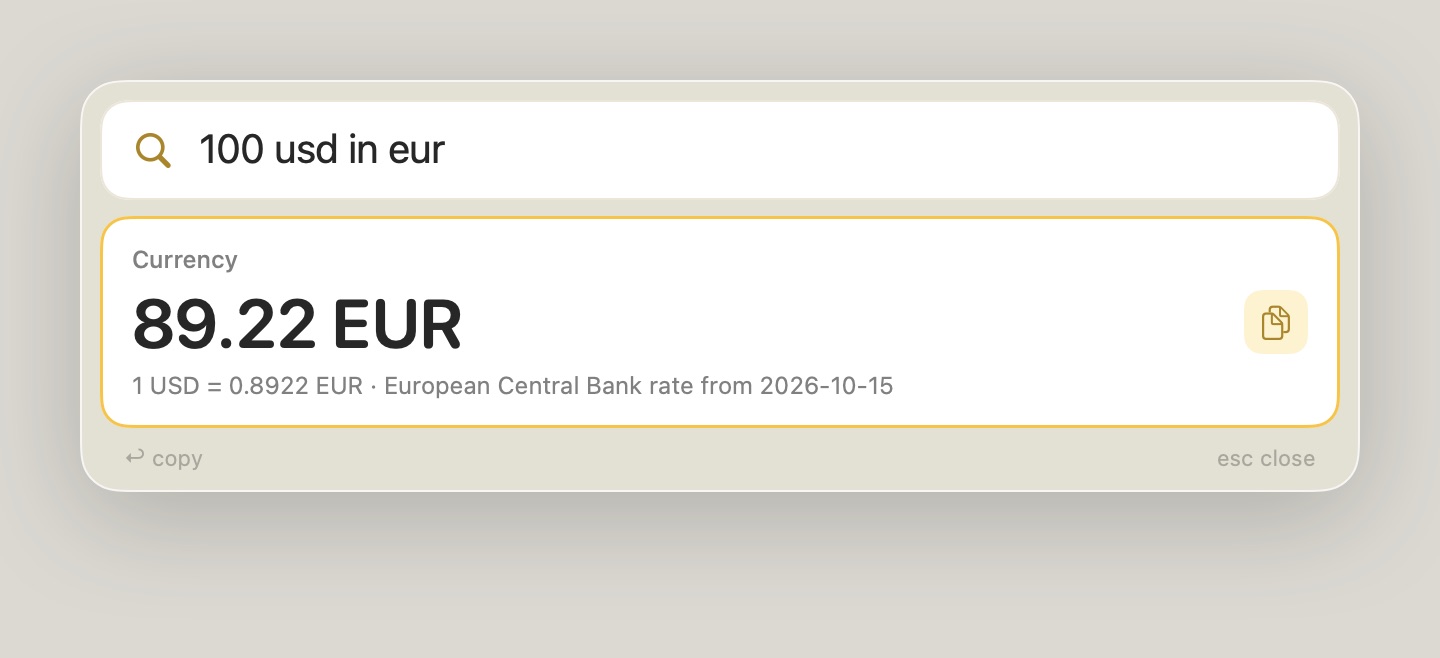
Beeline opens apps, files, tabs and System Settings pages from everyday words like “night shift”. It also runs menu commands, presses buttons in the app in front, tiles windows, converts units and currencies, and handles file chores like compressing or moving what’s selected in Finder.
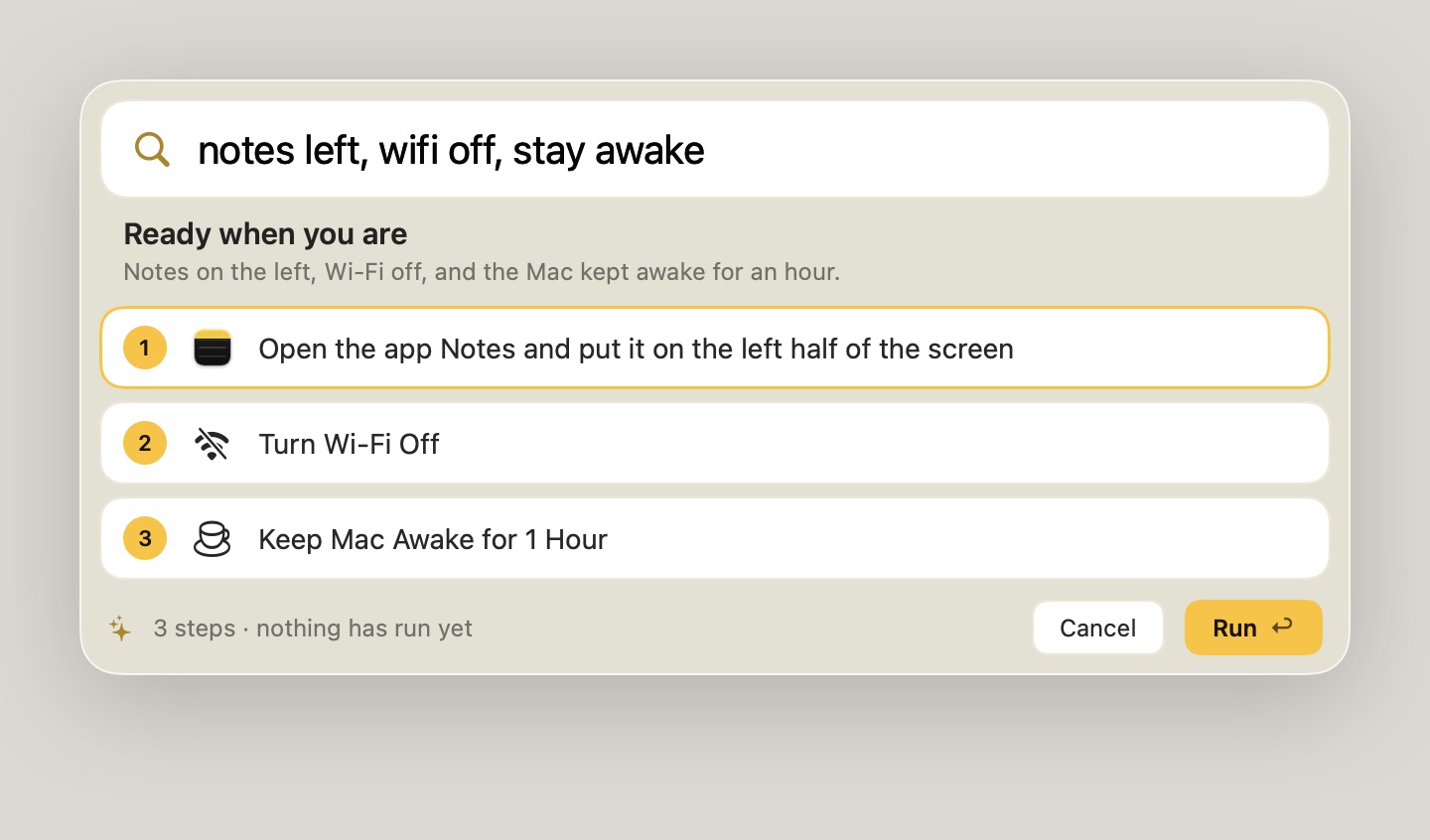
Holding ⌘Space turns the search field into a microphone. My words fill the bar as I speak, and Return runs the top result. For bigger requests it asks Claude for a short plan, shows every step, and runs nothing until I approve it.
02
The bee
Before Beeline presses something, a small drawn bee flies from the bar to the button, menu or window, a ring settles on the target, and a label says what is about to happen. My real pointer never moves.
Escape stops a run from any app, and clicking or typing myself takes over. Anything that can’t be undone, like emptying the Trash, pressing Send or a dialog’s OK, needs Return twice, and the card says what it will touch.
03
Where it came from
Voice control started as a separate prototype. I merged it into Beeline so one bar handles typing and talking, and kept two of its ideas: the on-screen cursor and a safe way to stop a run.